
Local import
Select files, folders, and archives together, or drag them into the window.

Import CT, MR, and PET studies, then view, reconstruct, fuse, and analyze them in one workspace.
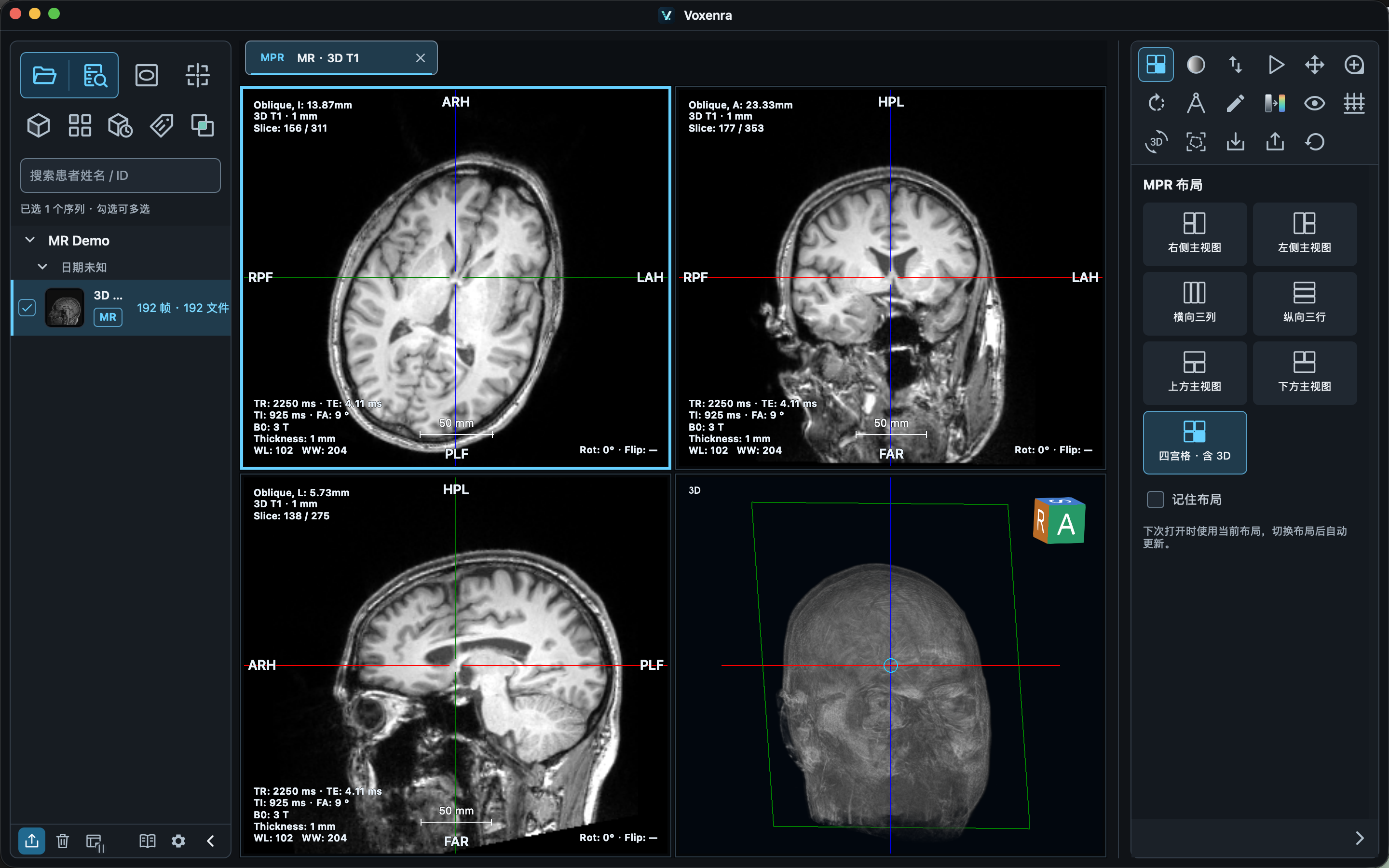
Bring images in, then pick up your work where you left off.
Select files, folders, and archives together, or drag them into the window.
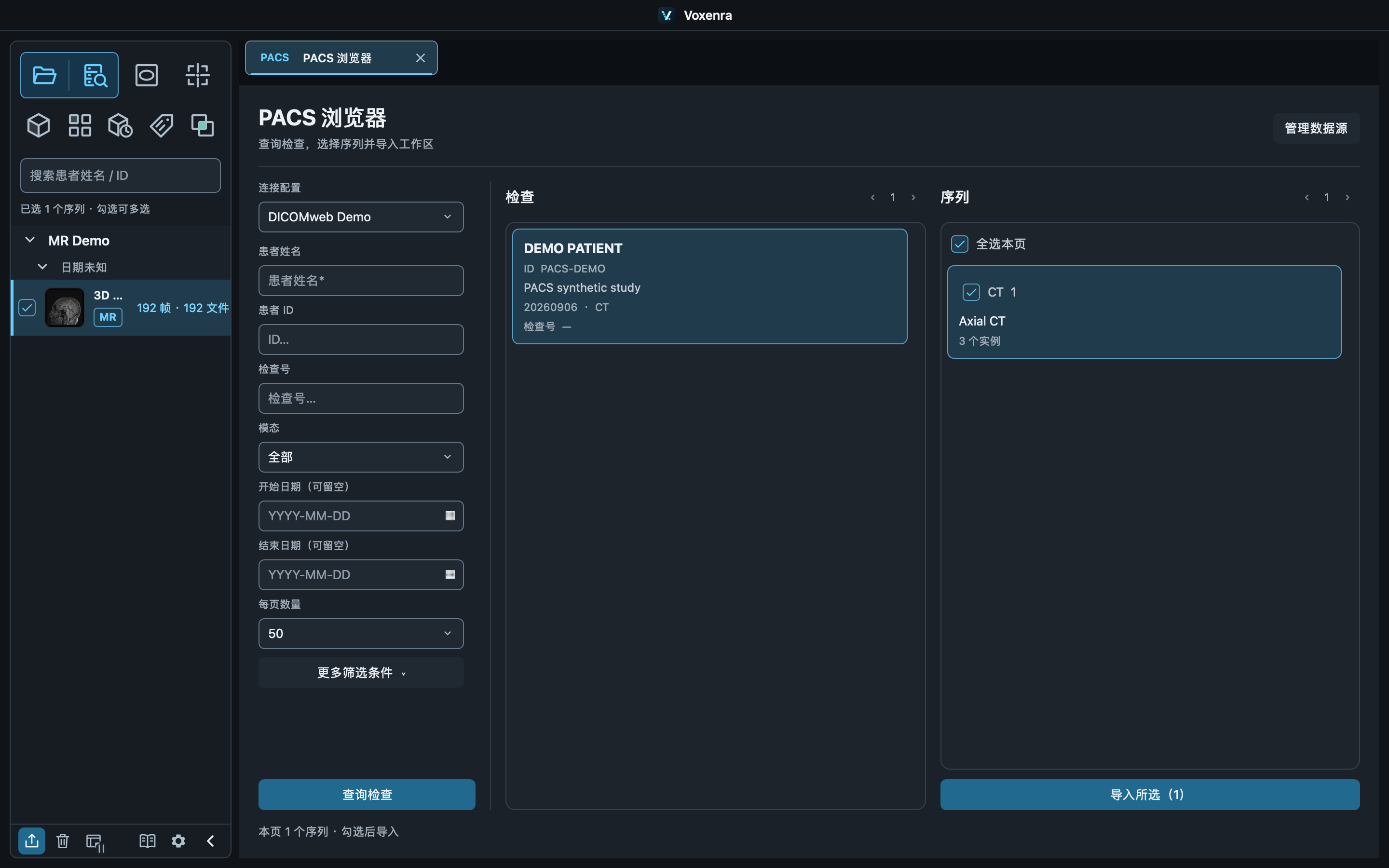
Connect to a DICOMweb PACS, find studies, and import selected series.
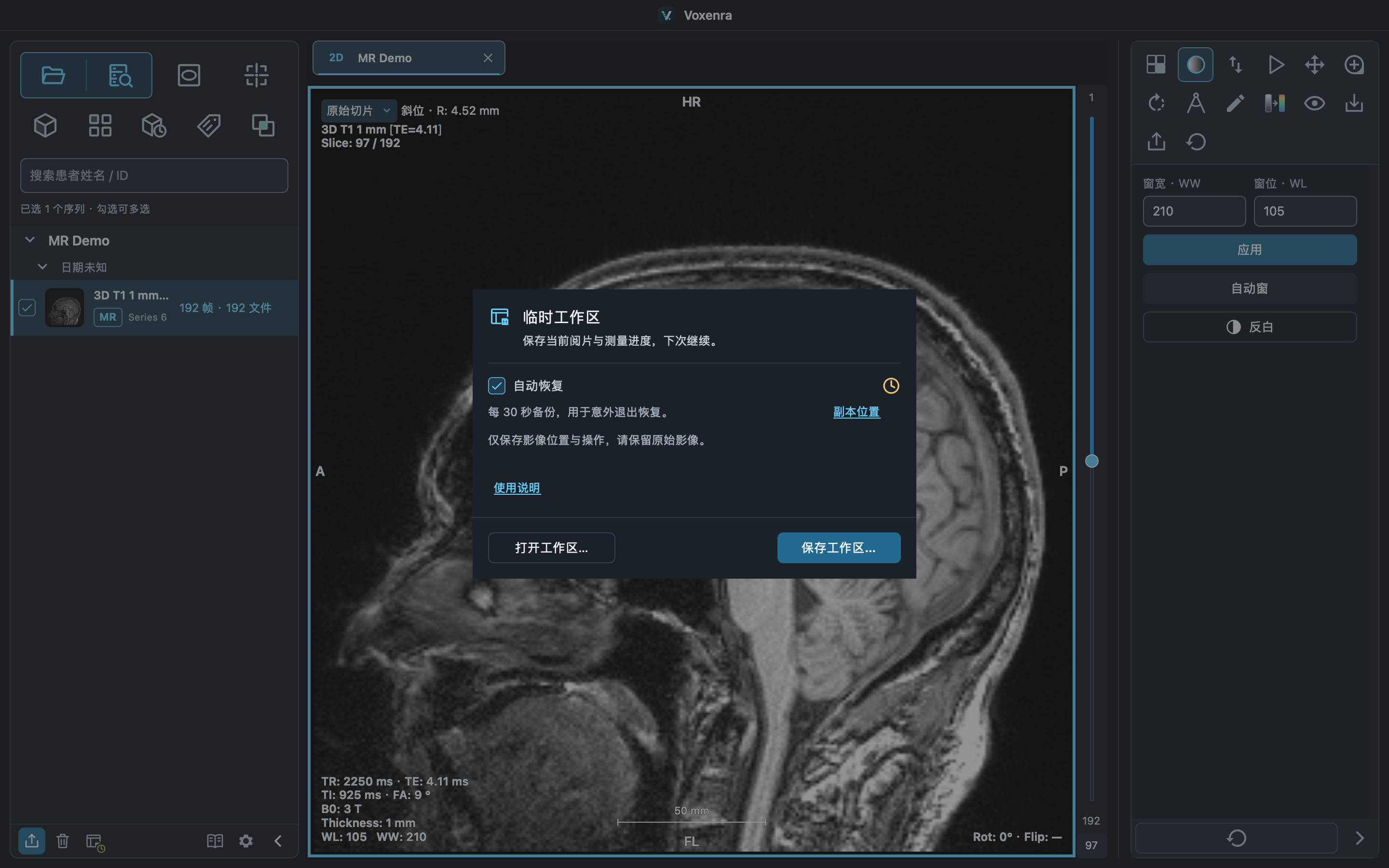
Save tabs, layouts, and work state so you can continue later.
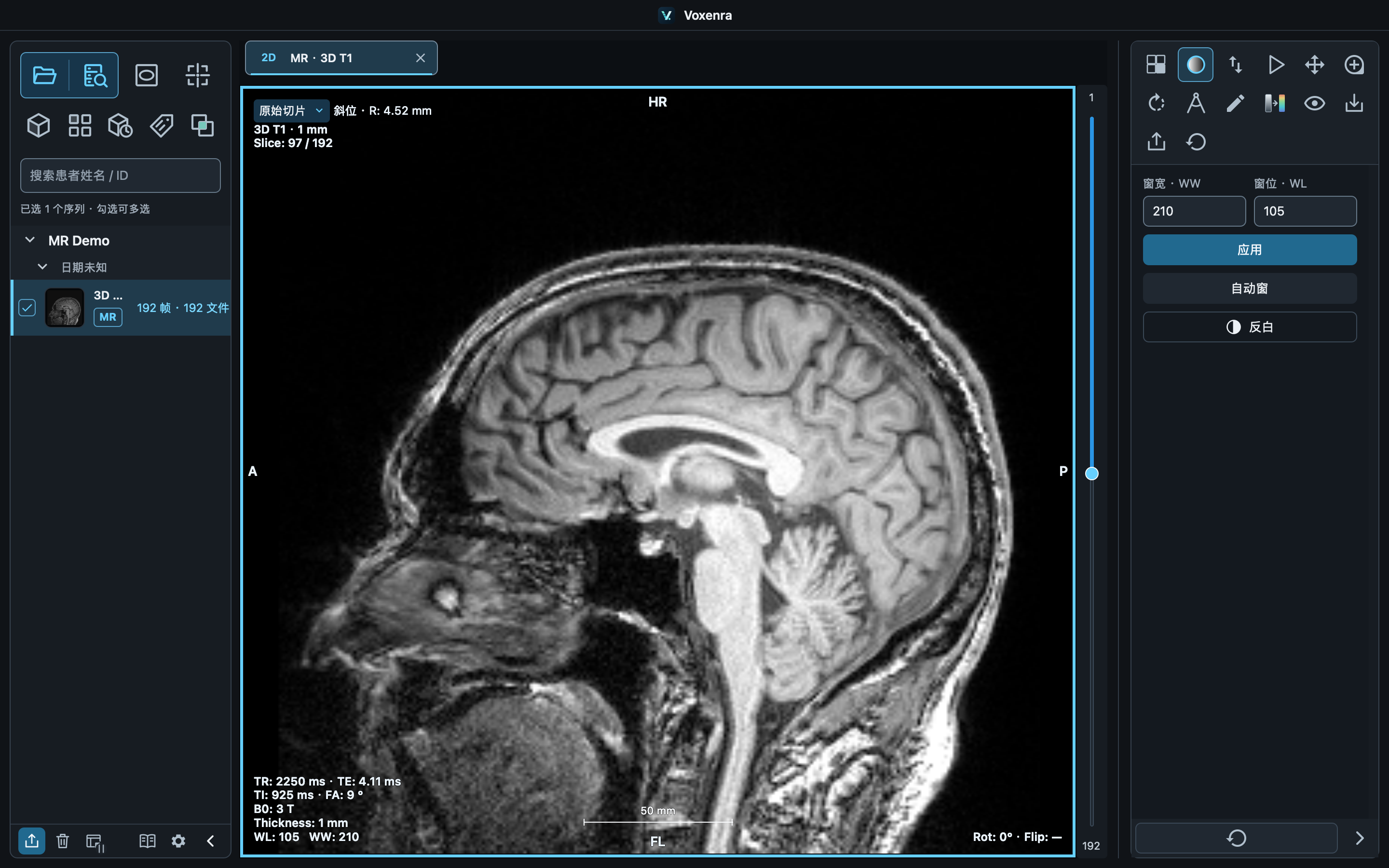
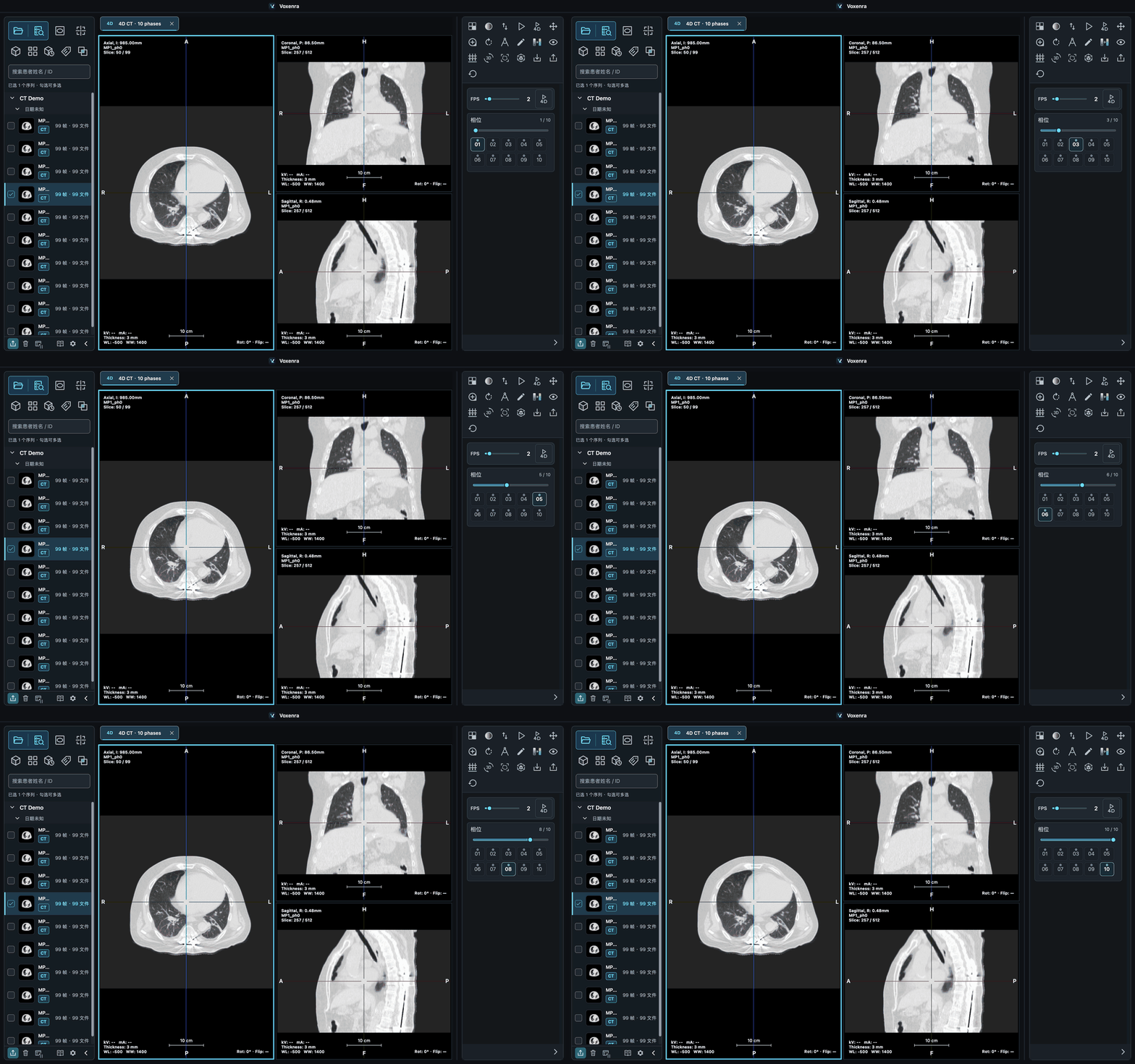
Read original slices and compare linked series. Explore spatial structures with MPR, oblique views, and volume rendering, or play multi-phase CT in sync.
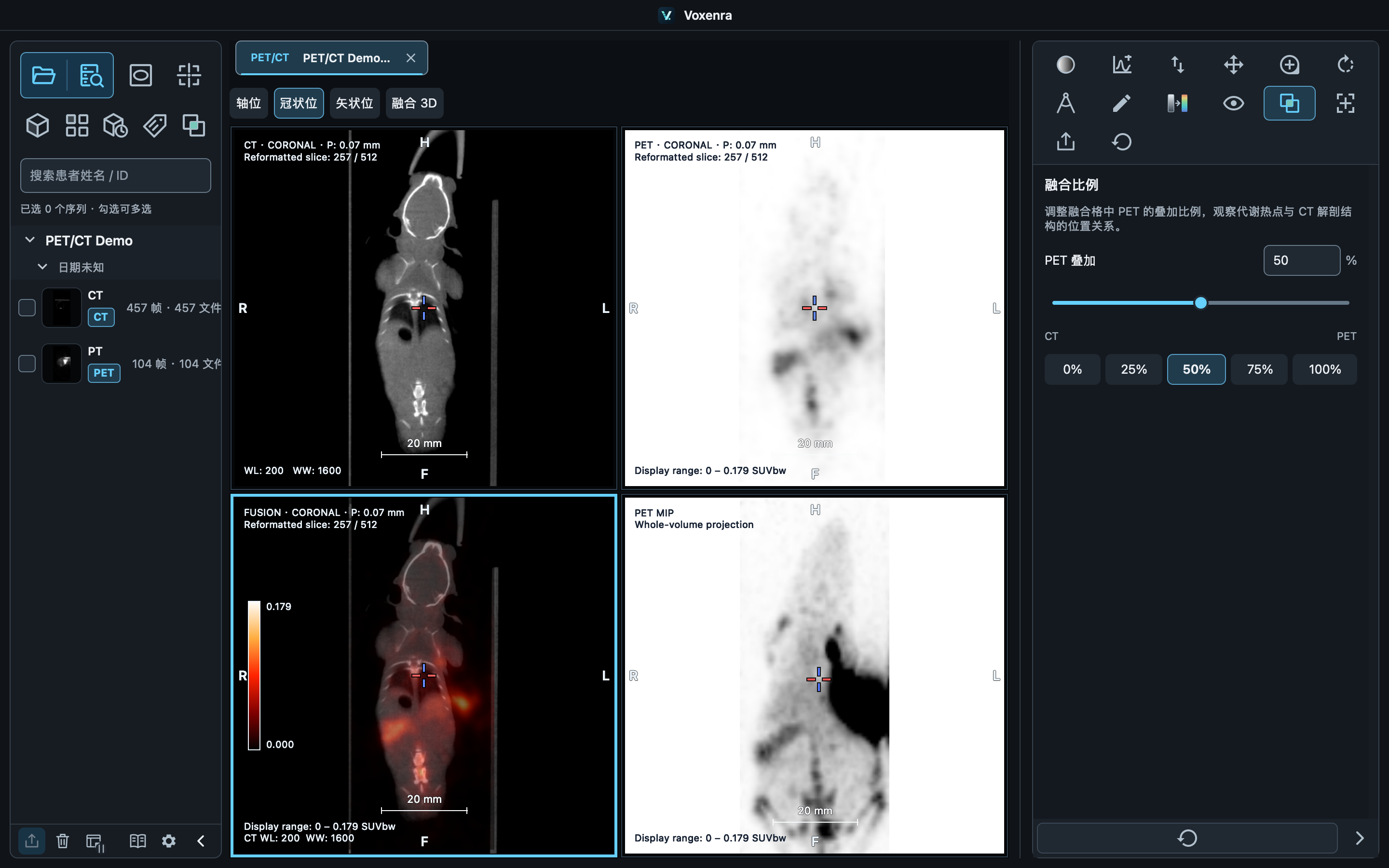
See linked CT, PET, fused, and MIP views, adjust blending, and perform manual rigid registration when needed.
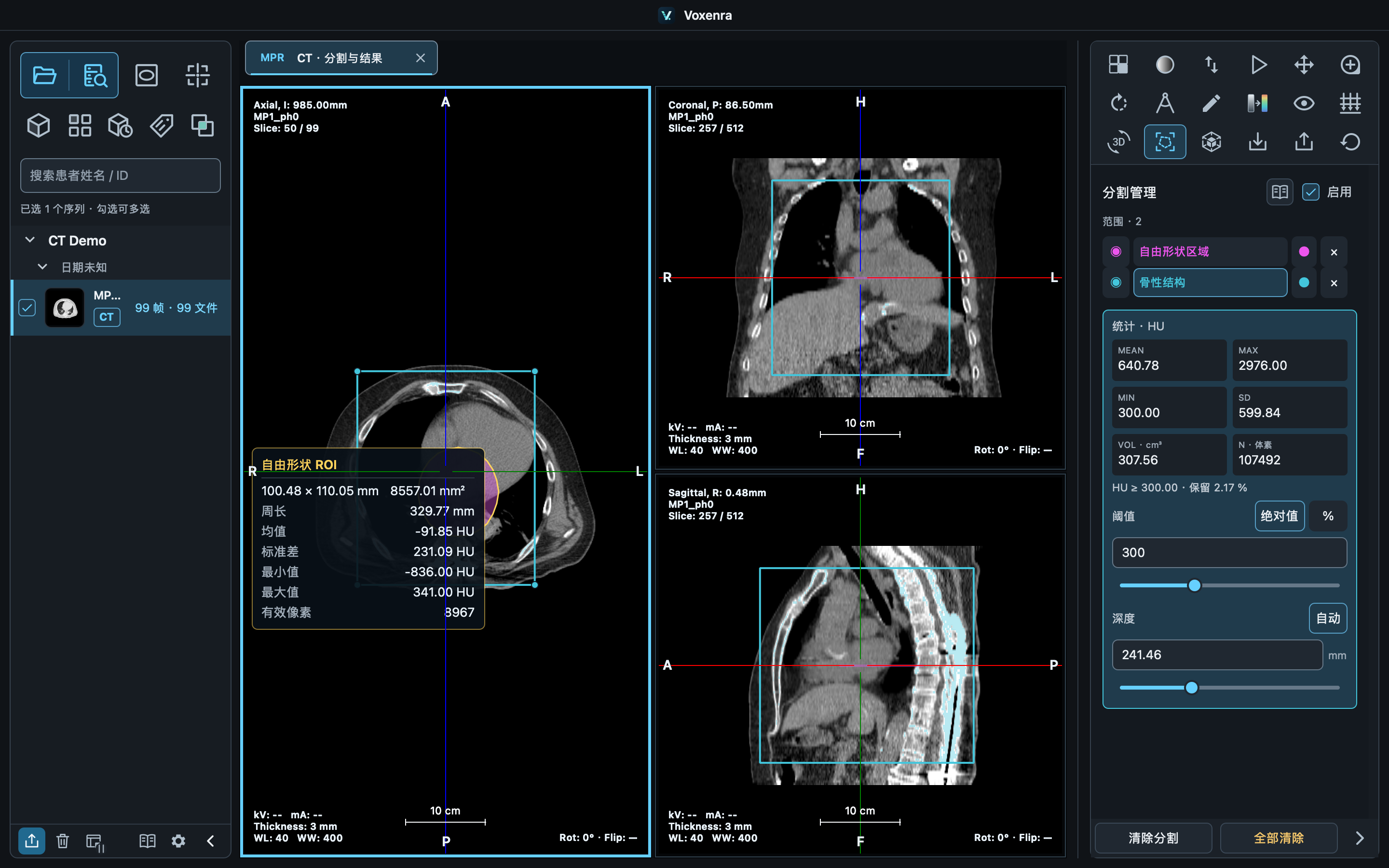
Measure lengths, angles, curves, and ROIs; work with threshold segments and VOIs; import or export DICOM SEG for the current image, and export measurements as DICOM SR.
Analyze water-phantom QA, point-source MTF, and ramp FWHM separately. Review curves, slice thickness, and metrics beside the image.


Available for macOS Apple Silicon and Windows.

