
Arrows and text arrows
Point out image locations with arrows and labels.
CopyCtrl+C⌘CPasteCtrl+V⌘VCancelEscEscDeleteDelete / Backspace⌫
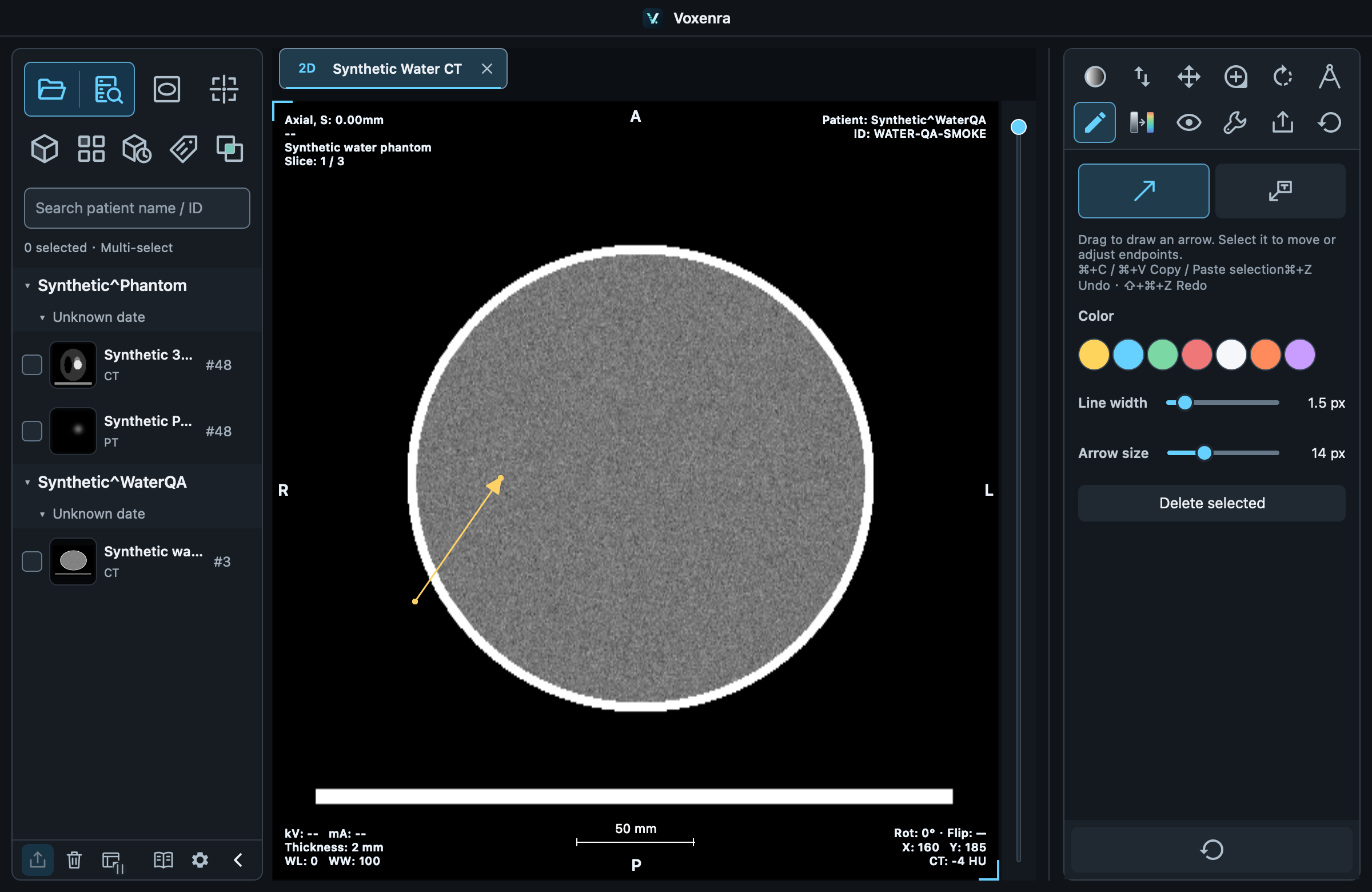
Draw
Choose Annotations → Arrow / Text arrow, then left-drag. The release point is the arrow tip. Enter text on the right, or select an existing arrow to change its text.
Adjust
Drag endpoints to change direction, or drag the object to move it. Adjust color, line width and arrow size in the panel; text arrows also have a font size.
Keep results
Selected objects support copy, paste, delete and undo. Completed annotations save in workspaces. PNG and measurement reports use their respective anonymization options.