
Local import and series management
Select files, folders and archives in one step.
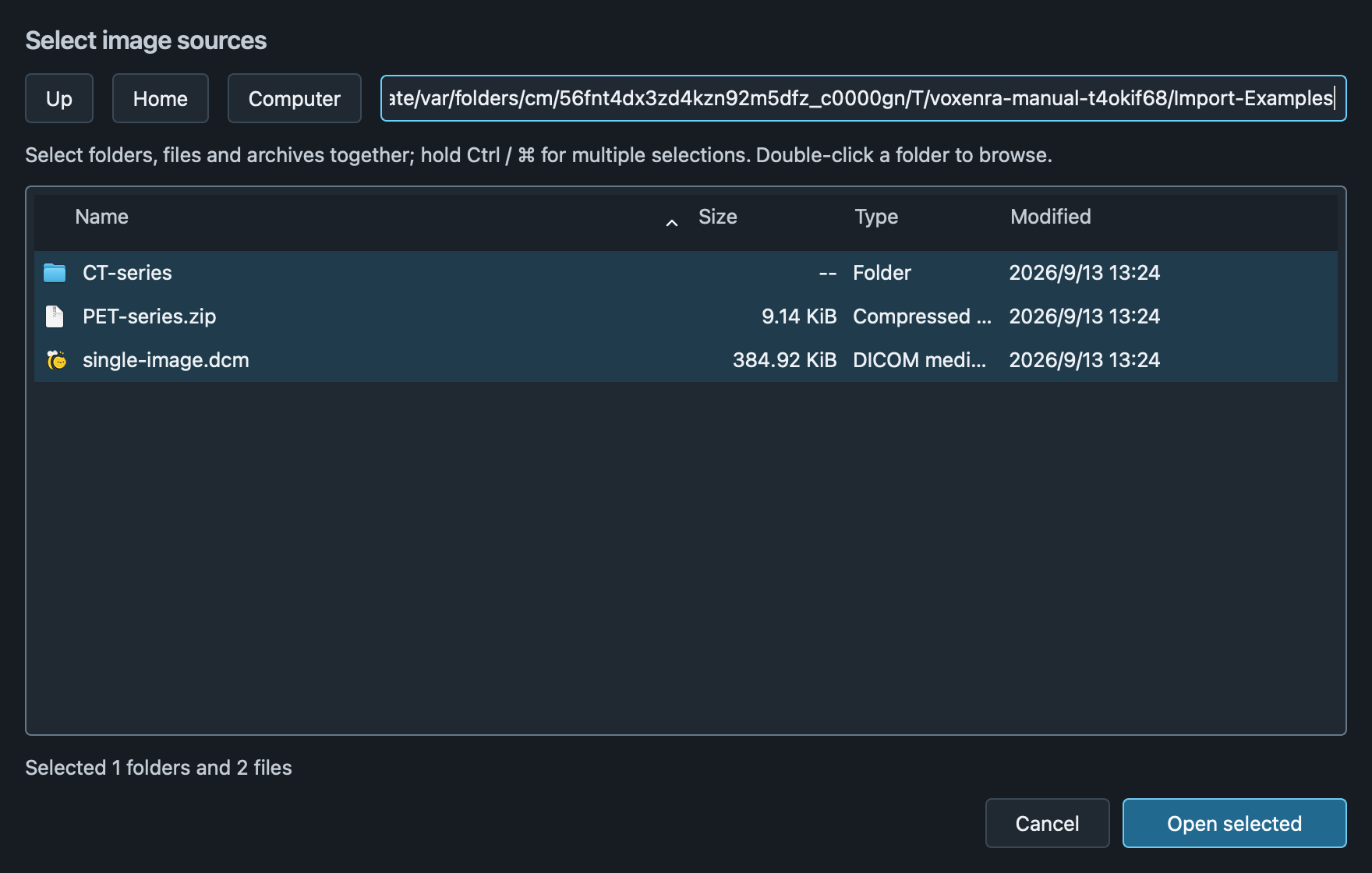
Select sources
Click Open images, hold Ctrl / ⌘ to select multiple items, then Open selected. Double-click folders to browse; with no selection, open the current folder. Enter a path and press Enter to navigate. Files need not have a .dcm extension.
Supported archives
ZIP, RAR4/5, 7z and TAR (including TGZ, TBZ2 and TXZ), plus single-file GZ, BZ2 and XZ. Unicode paths and solid RAR are supported without WinRAR. Decrypt encrypted archives and combine multipart archives before importing.
Progress and large imports
The task window shows scanning, extraction and reading progress, with cancellation. It closes immediately after a clean import. Duplicates, skipped files and cancelled imports keep their results until you click OK; failures also offer Retry and Select again. Import up to 100,000 files per batch.
Manage series
Search by patient name or ID. Multi-select, double-click to open, or use the context menu, including on collapsed thumbnails. Repeated imports merge. Removing a series does not delete original files. Larger arrows expand patient and study groups. A highlighted CT / MR / PET badge identifies each series. The collapsed left rail retains Export, Clear, Workspace, Manual and Settings.
Extraction limits
Limits: 8 GiB per archived file, 32 GiB total extraction, 3 nesting levels and 512 MiB RAR dictionary. Extract larger archives first and import in batches. Canceling keeps loaded series. Extraction caches are cleared on exit; sources stay unchanged.