
Quick start
Start viewing in three steps.
Open imagesCtrl+O⌘O
1. Open images
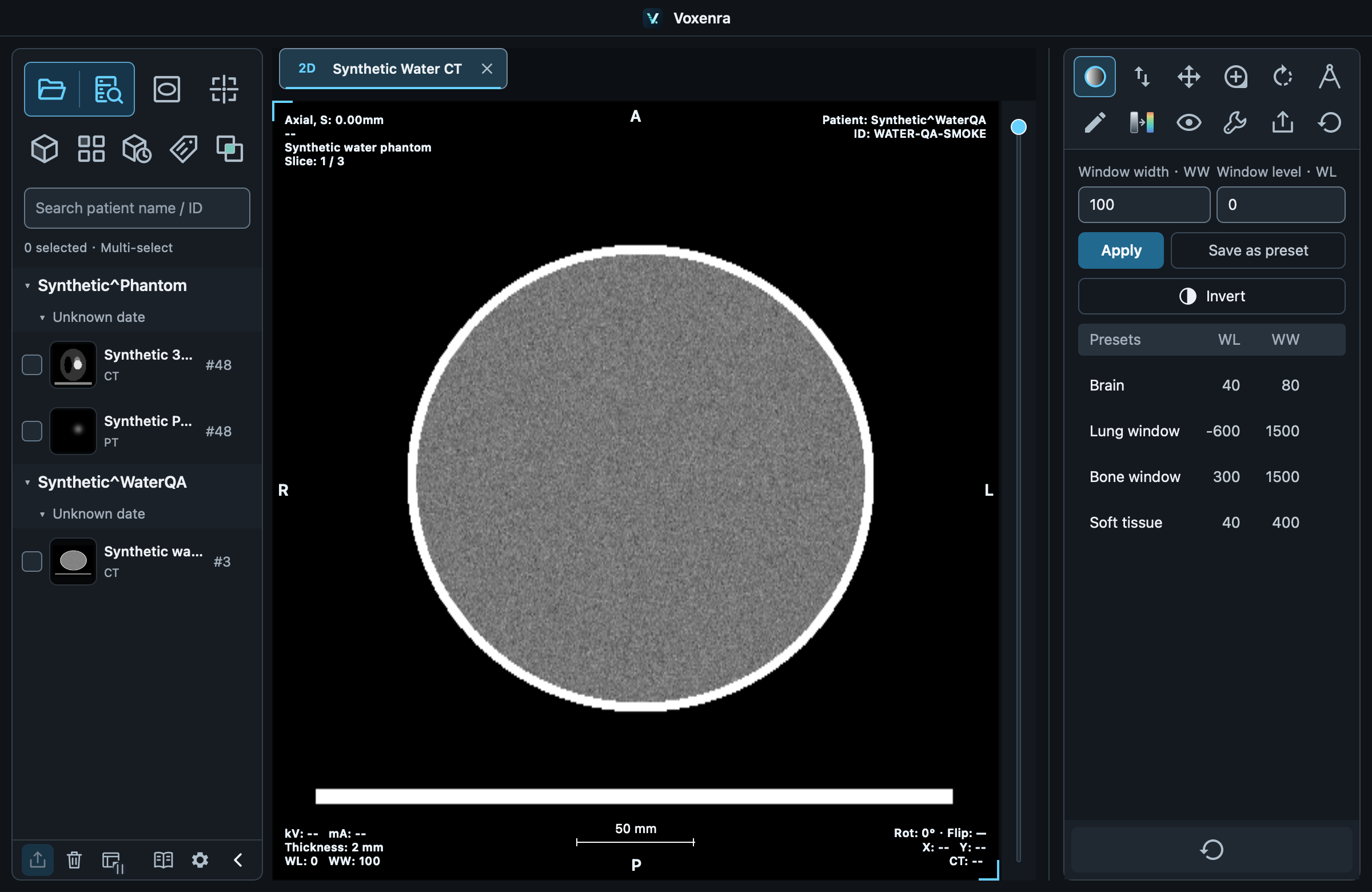
Click Open images to select folders, files and archives together, or drop them into the window. Use the adjacent PACS browser to import from a server.
2. Choose a view
Double-click a series for 2D, or select it and click MPR, 3D or Tiles. Hover to see button names. Disabled entries indicate unsupported data.
3. Start working
Activate an image viewport, then choose a tool on the right. Workspace, Manual and Settings are at the bottom left. Switching tabs preserves your work.