
Editing, copying and undo
Select completed objects to edit or copy them.
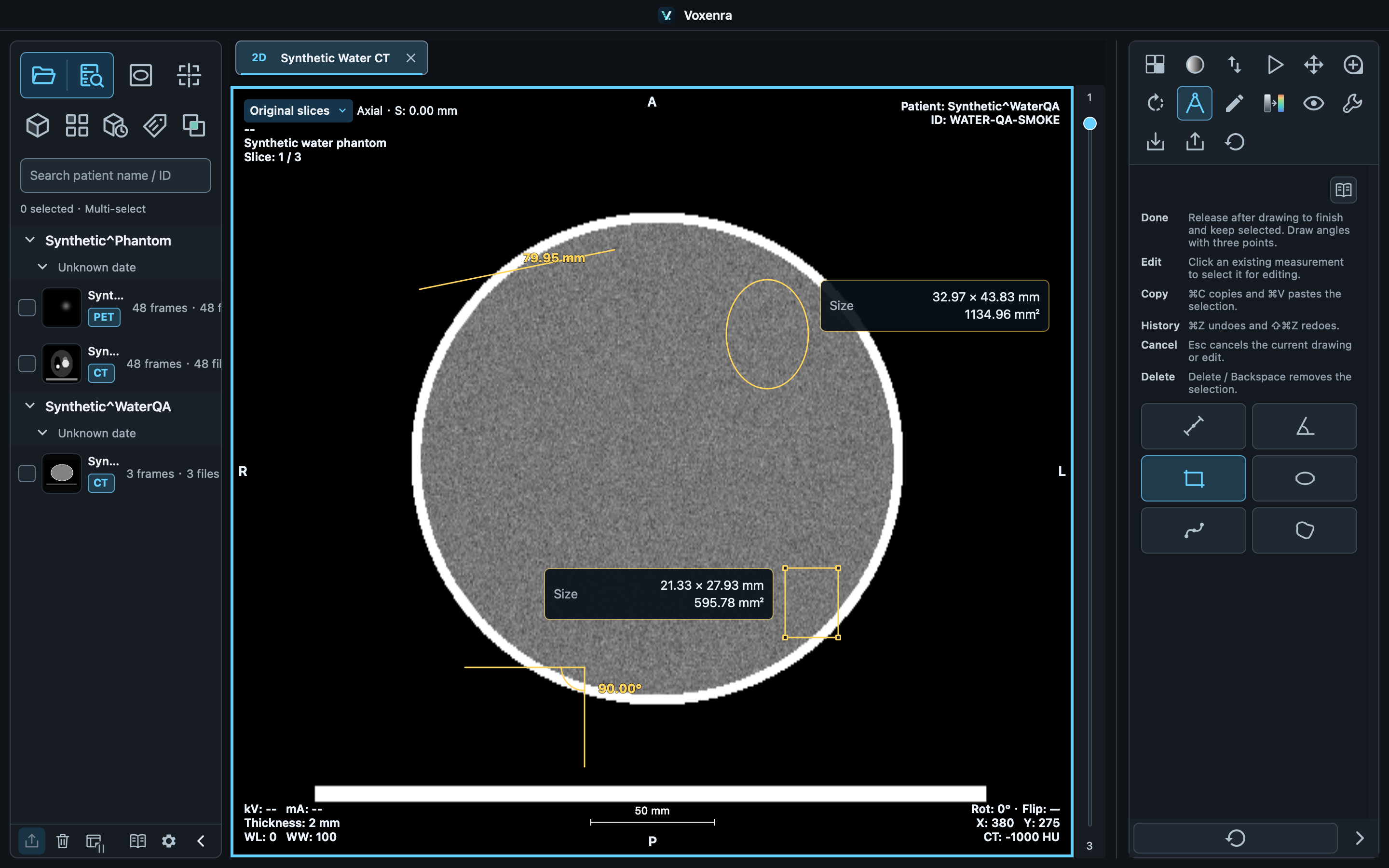
Complete and edit
Release: selected and complete, using the completed style with handles. Click again: selected for editing, using the draft style. Clicking alone does not change geometry. Release after dragging to finish again.
Adjust an object
Select an outline, label, card or ROI interior. Drag handles to reshape; drag an outline or interior to move the shape. Cards and shapes move independently by default. Enable linked movement and adjust font size and background transparency under Settings → Measurement → Metrics & cards, with a live preview. Press Esc to cancel an edit.
Copy and paste
Copy a selected measurement or annotation, then paste on the target slice. The independent copy is offset by 10 pixels. Across slices it retains pixel coordinates and recalculates with target spacing and pixels. Unfinished objects cannot be copied.
Undo, delete and save
Focus the image to undo, redo or delete selected objects. Shortcuts inside text fields edit text only. Save your workspace before closing, or export PNG, CSV or PDF. Original DICOM files do not store measurement objects.