
Series tiles
Browse several slices together; double-click for detailed work.
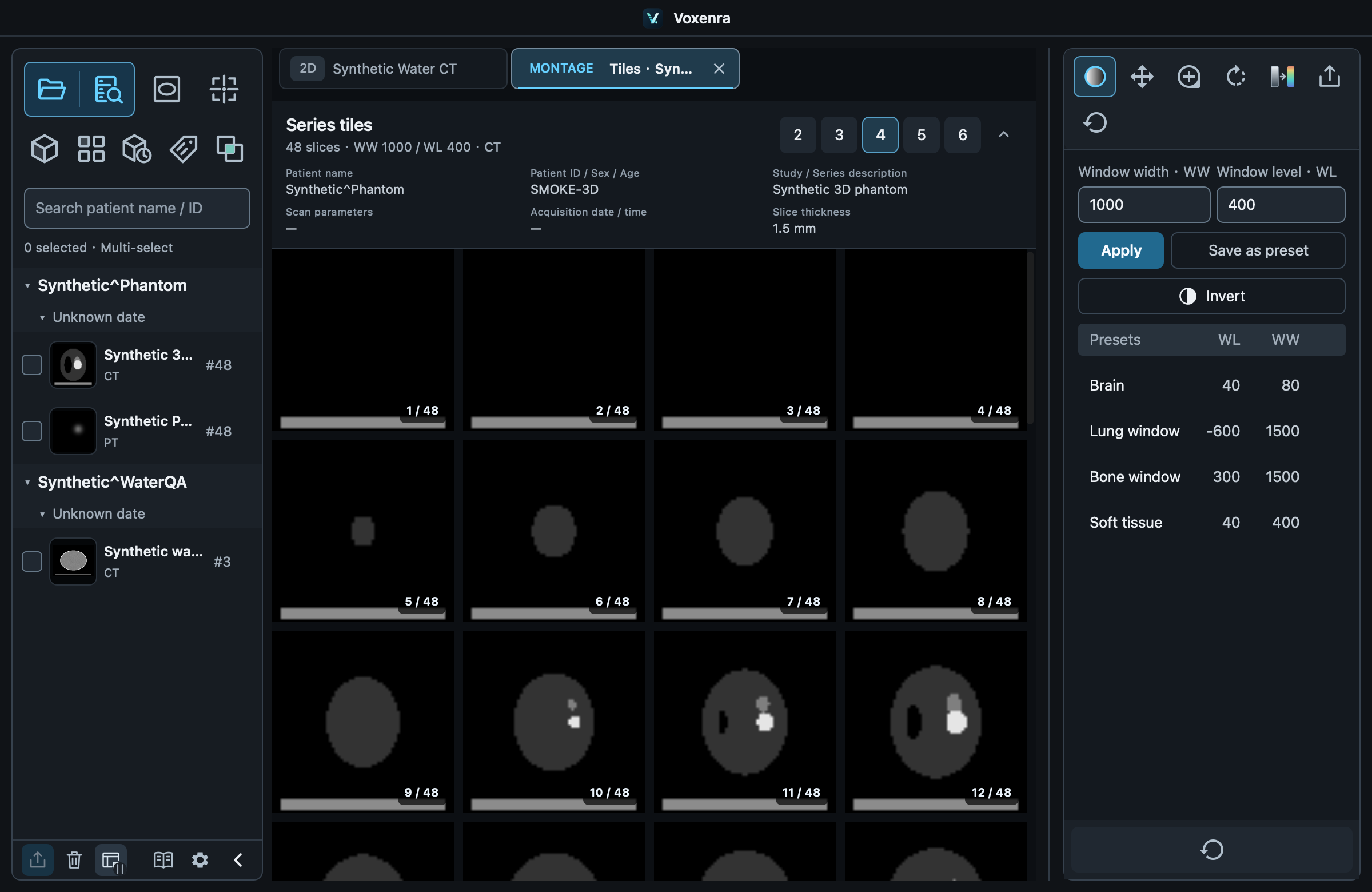
Browse and arrange
Choose 2–6 images per row and scroll vertically. The arrow beside the column options collapses patient, study and scan details while keeping the summary.
Synchronized display
Windowing, color map, inversion, pan, zoom and rotation apply to all cells, including newly loaded slices. Each cell shows only its slice number.
Measure in 2D
Double-click a slice to open or reuse its series in a 2D tab, keeping the slice, window and inversion. Ordinary measurements are not drawn in montage. Failed images show the reason and a Close tab button.