
VOI analysis
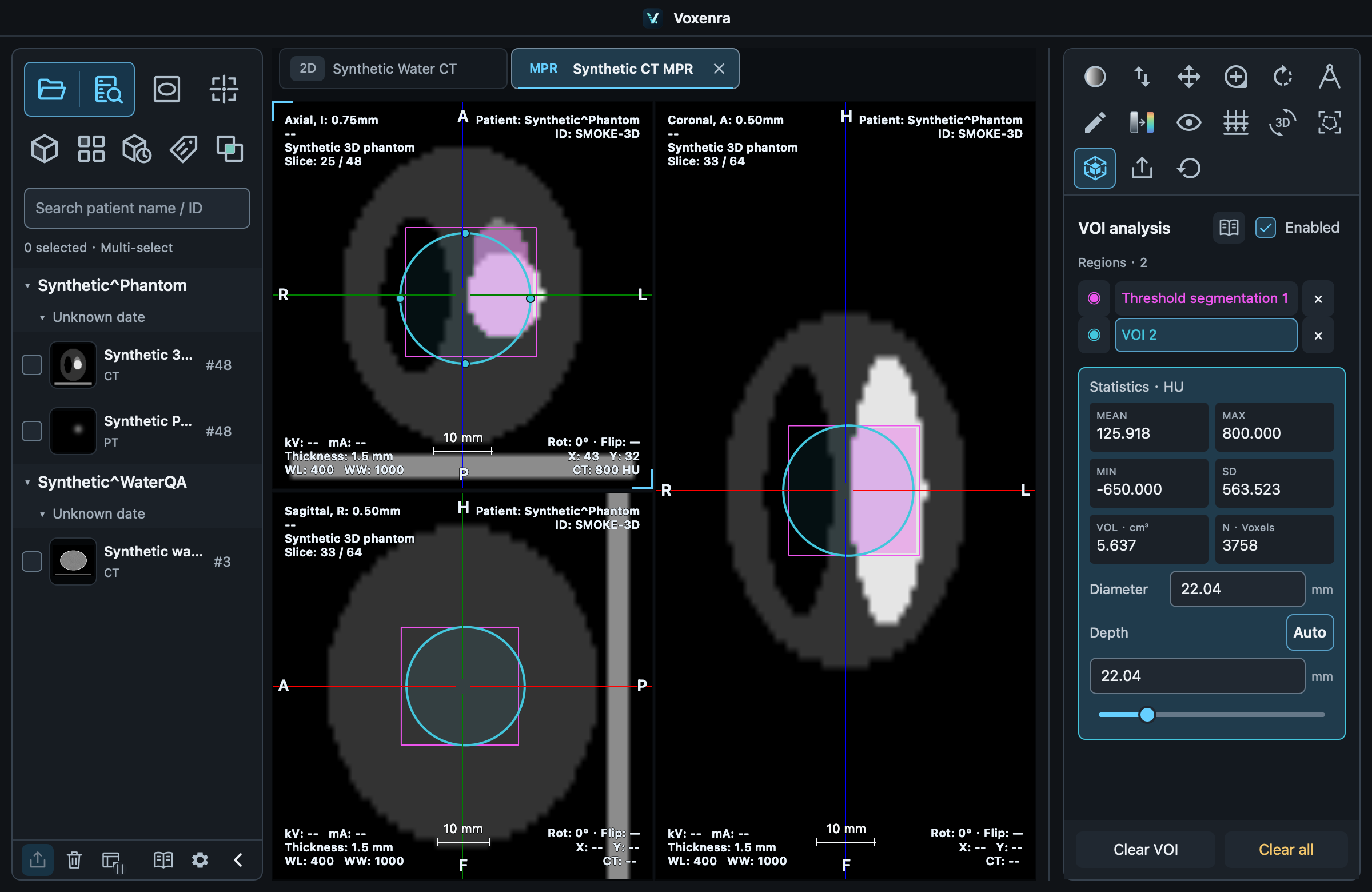
Draw a sphere or ellipsoid in MPR and quantify all valid voxels inside.
1. Draw
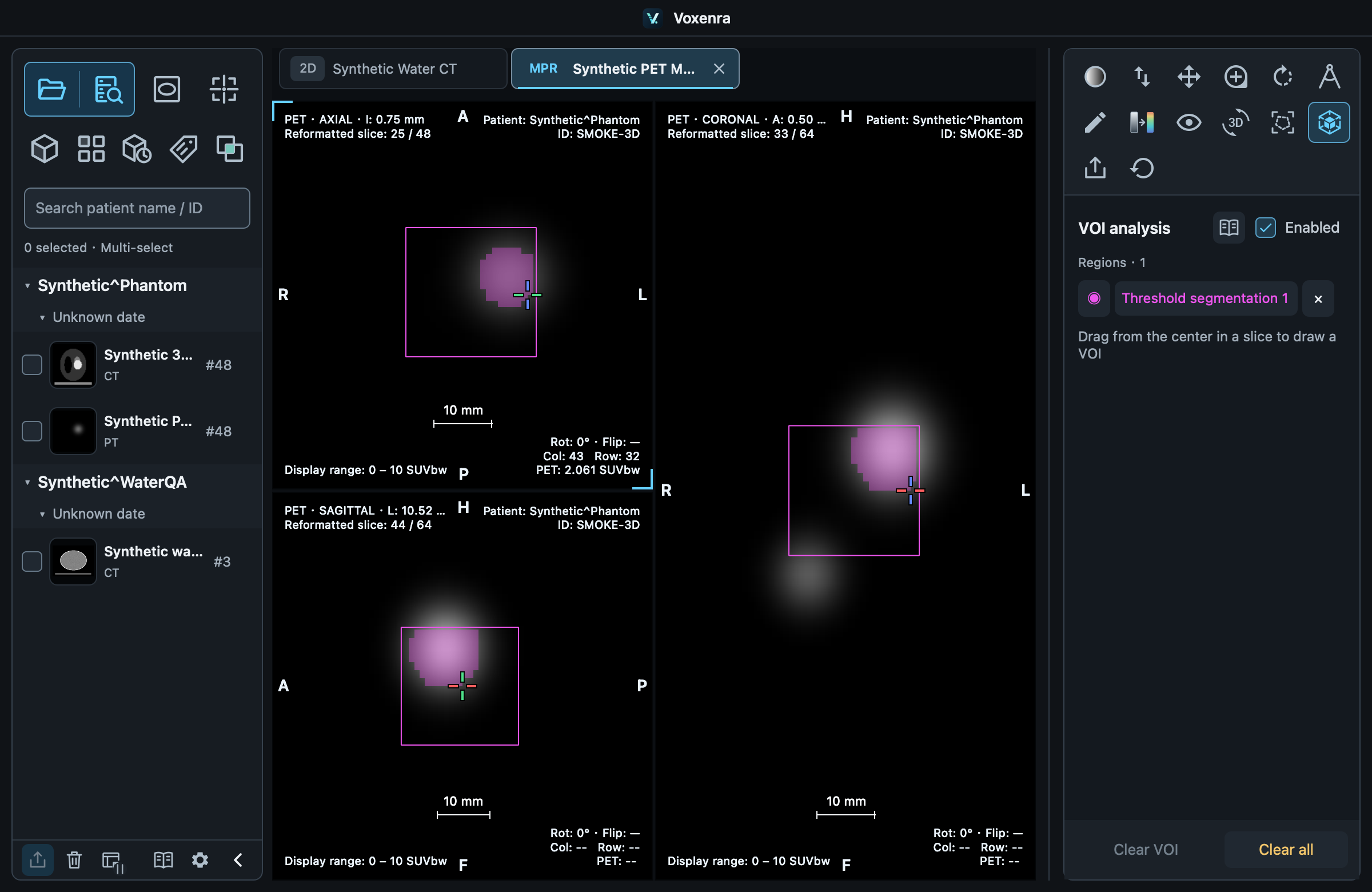
Check Enabled in the VOI panel, drag outward from the center and release.
2. Adjust
Return to the original plane. Drag the interior to move, the outline or handles to change radius, or enter a diameter. Auto depth = diameter forms a sphere; manual depth forms an ellipsoid.
The outline shrinks on other slices
The outline is the intersection of the 3D region and current plane. It shrinks away from the center and disappears outside the region. Edit on the original plane. VOI ignores segmentation thresholds; drawing on PET MIP is unsupported.